How to edit/update your ticket information
- Log in to Mainstack using the email address linked to your purchase.
- Click on Purchases to view all purchased products.
- Click on the 3 dots
- Click on View ticket
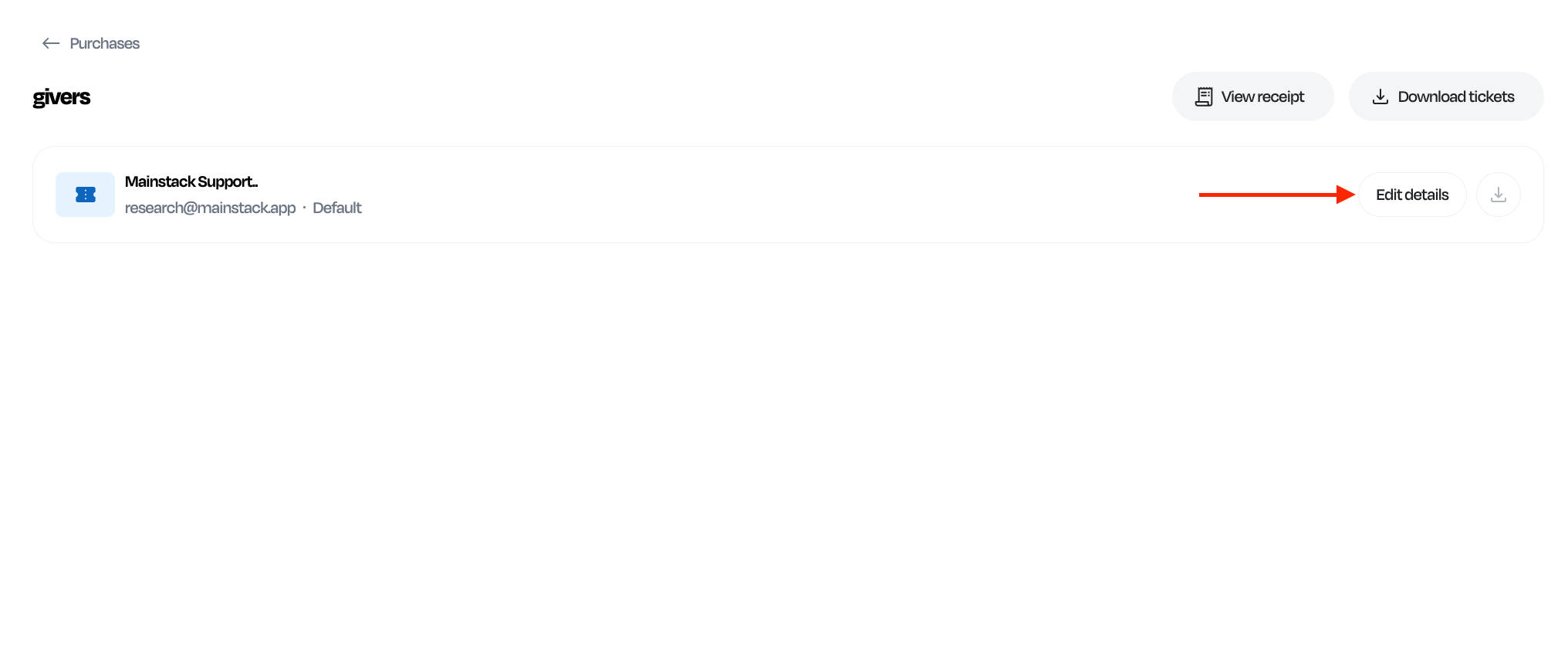
- Proceed to click Edit details and
- Follow the prompts to edit/update the ticket.
 Note: If you can not access the email address linked to the purchase, please send an email to support@mainstack.com for further assistance.