How to send an email to a customer who had a failed transaction
Step 1: Log in to your account
Step 2: Click on transactions on the left sidebar
Step 3: Search for the specific transaction using the search bar
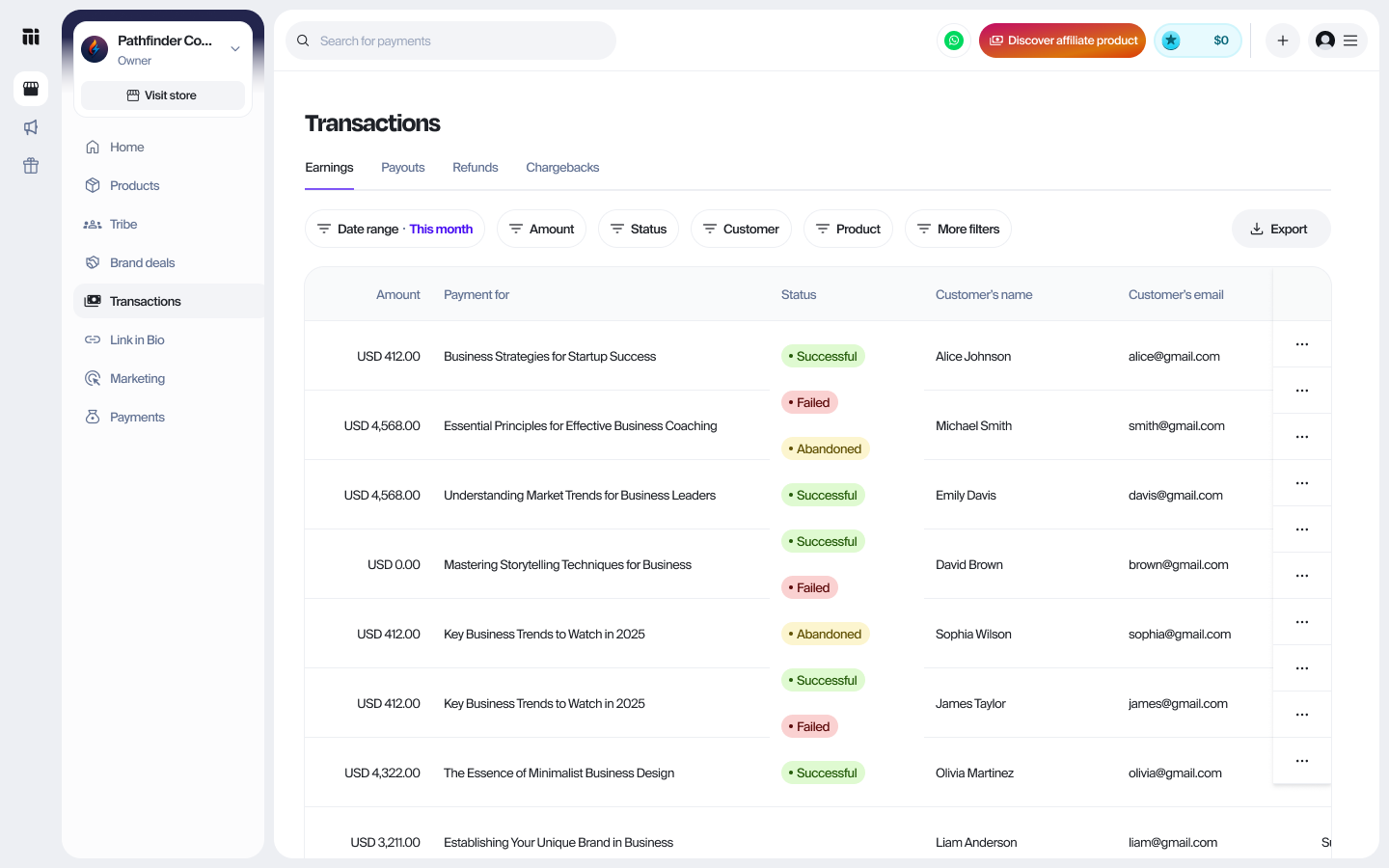
Step 4: Click on the specific transaction to view the details
Step 5: Click on the Send email button on the top right
Related Articles
How to Resend a Transaction Receipt to a Customer
Step 1: Log in to your account Step 2: Click on Transactions on the left sidebar Step 3: In the earnings section, search for the transaction by customer name or email, or use the filter option. Step 4: Click on the three dots beside the specific ...How to Resend Transaction receipt from Bookings
Log in to your account On the Home page, scroll to the Mainstack Apps section and click on Bookings Click on Transactions at the top of your dashboard. Click on the specific transaction you want to resend a receipt for. On the Transaction Details ...Understanding your Transaction Status on Mainstack
When you receive payments on Mainstack, each transaction is assigned a status to help you track its progress. Understanding what each status means will help you know when to expect your funds and take the right action if needed. Transaction Status ...How to Resend Transaction Receipt from Storefront
To resend a purchase receipt to your customer, follow these simple steps: Log in to your account On the Home page, scroll to the Mainstack Apps section and click on Storefront Click on Transactions at the top of your dashboard. Find the transaction ...Failed Payment: Common Reasons and Solutions
If a payment has failed, it can be due to a variety of reasons. Below are some common causes of payment failures, along with guidance on how to resolve them. Category Failure Reason Solution Authentication Issues Payment failed due to the card ...