How to Apply a Discount Code to an Event Ticket
Log in to your Mainstack Dashboard.
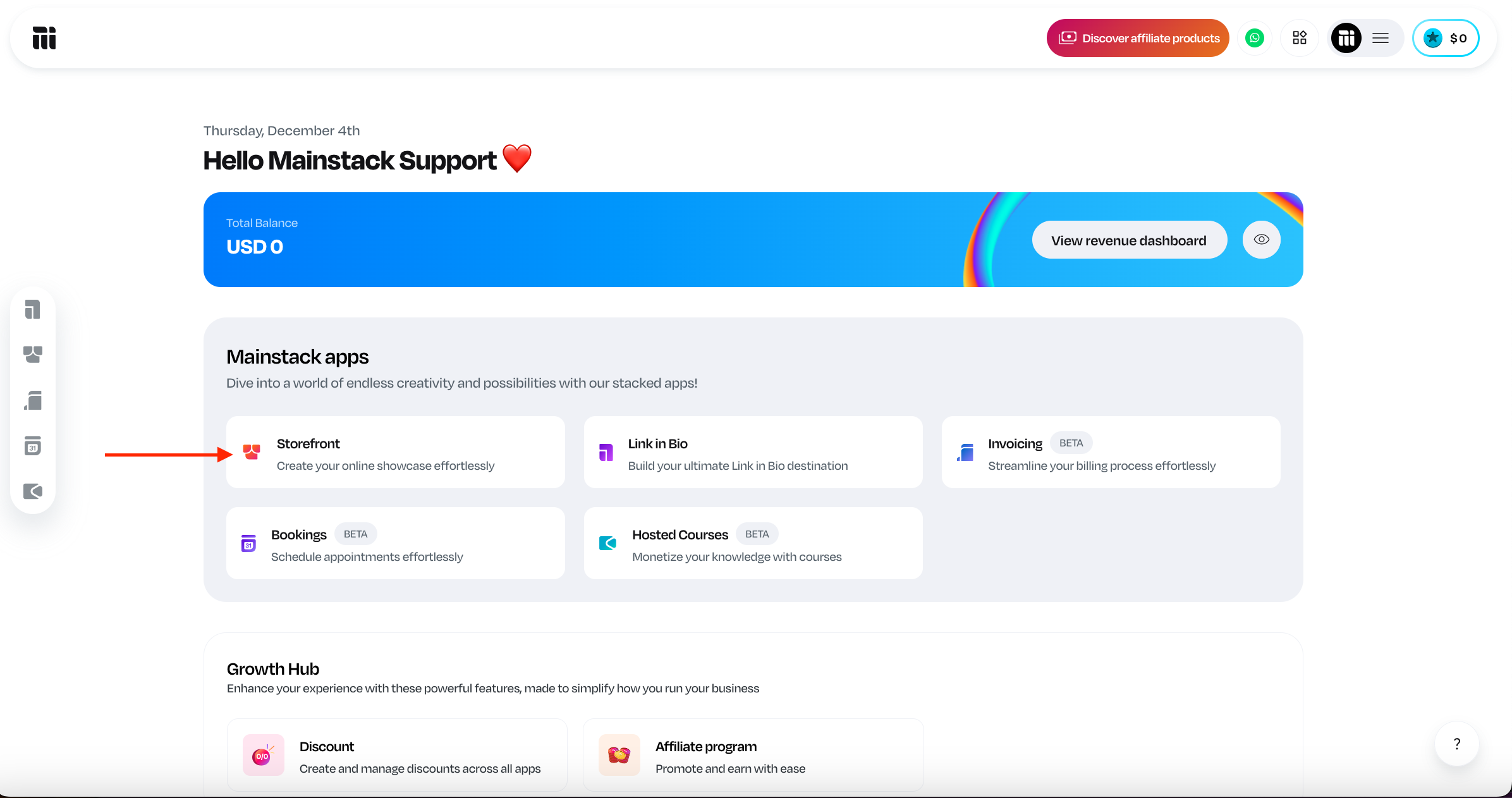
On the Home page, scroll to the Mainstack Apps section and click on Storefront.
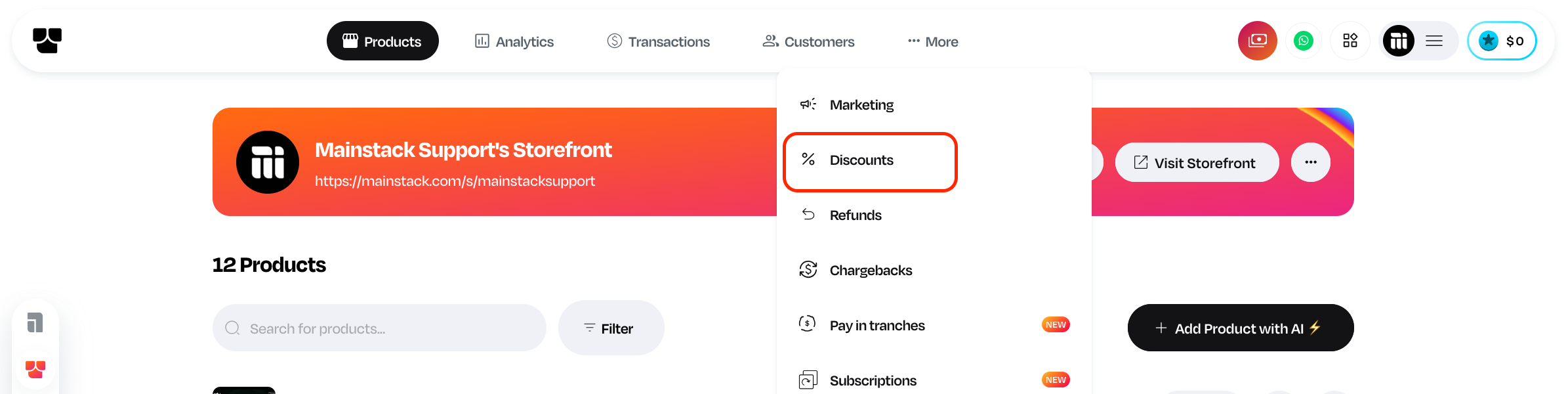
Click on More at the top right corner of your dashboard
Click Discount
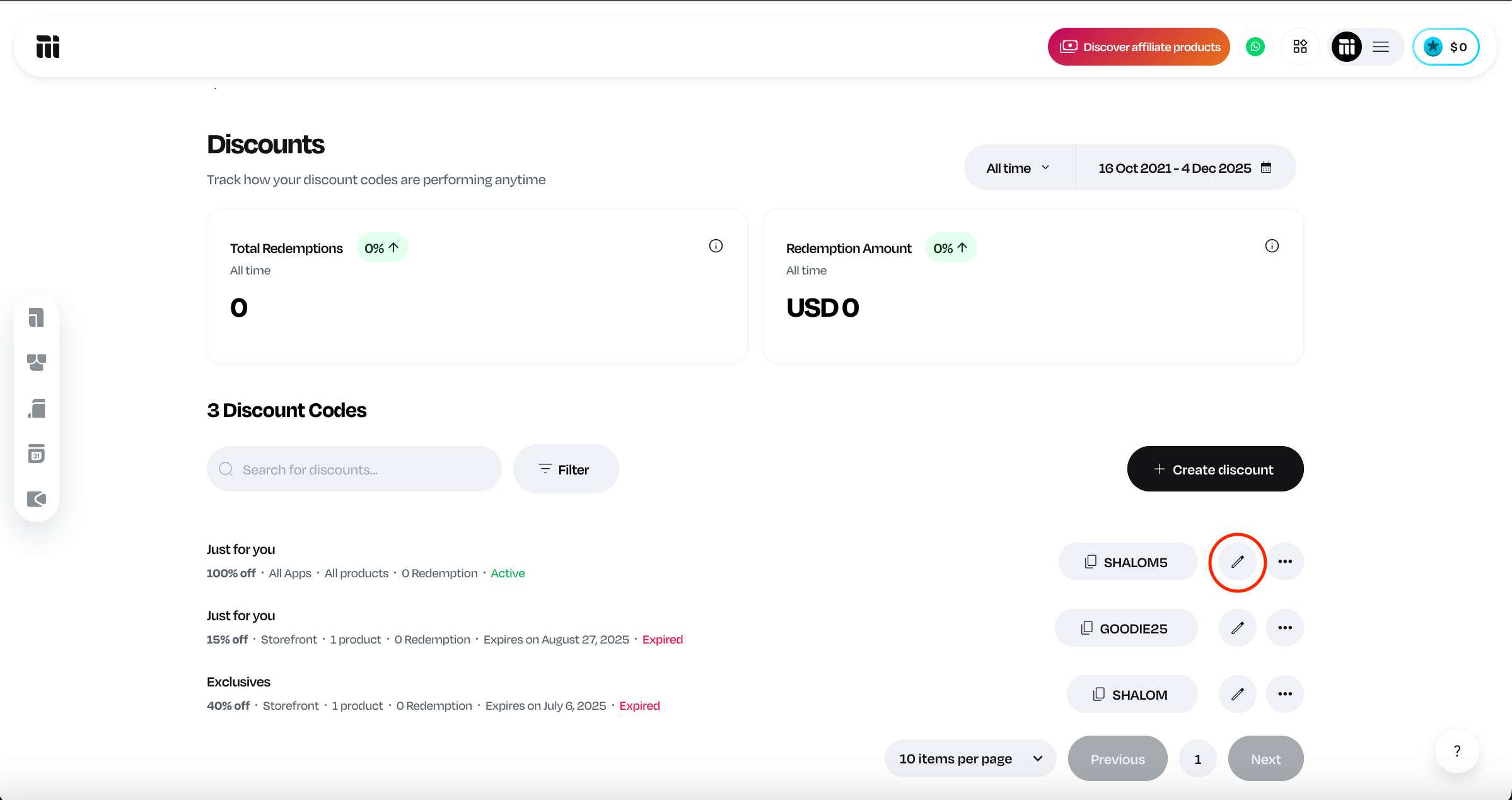
Click on the "pencil icon" beside the discount code that you want applied
Scroll down to the eligible product section
Click on Storefront
Select the Specific Event you want to apply the discount to, and
Click Save.
Related Articles
Step-by-Step Guide to Setting Up and Selling Event Tickets
Do you have an event coming up? Are you wondering how to create, manage, and sell tickets without stress? We know that organizing events can be time-consuming, from setting up registration to managing payments and keeping track of attendees. On ...
How to Add a New Ticket Category to an Event
Log in to your Mainstack Dashboard. On the Home page, scroll to the Mainstack Apps section and click on Storefront. Click on the specific Event Scroll down to the ticket section Click on Add more tickets Add the ticket details Select the ticket type, ...
How to Hide Ticket Counts
If you are setting up a new event; Log in to your Mainstack Dashboard. On the Home page, scroll to the Mainstack Apps section and click on Storefront. Click on the ‘+ Add product with AI’ button. Select Event Ticket as your preferred product type. ...
How to Edit a Discount
Step 1: Log in to your account Step 2: Click on Marketing in the left sidebar Step 3: Click on the Discount Step 4: Click the three dots beside the discount you want to edit. Step 5: Click on Edit discount Step 6: Make your edits and save. Please ...
How to Create a Single Ticket Type
Log in to your Mainstack Dashboard. On the Home page, scroll to the Mainstack Apps section and click on Storefront. Click on the ‘+ Add product with AI’ button. Select Event Ticket as your preferred product type. Enter the basic information about the ...